PicMonkey Collage
UX DESIGN · INFORMATION ARCHITECTURE · VISUAL DESIGN
At a time when photo collages relied on templates, I designed a flexible Collage app that gave people the freedom to create infinite custom layouts with drag-and-drop ease. The interaction model was later awarded two U.S. patents.
SIMPLE WORKFLOW
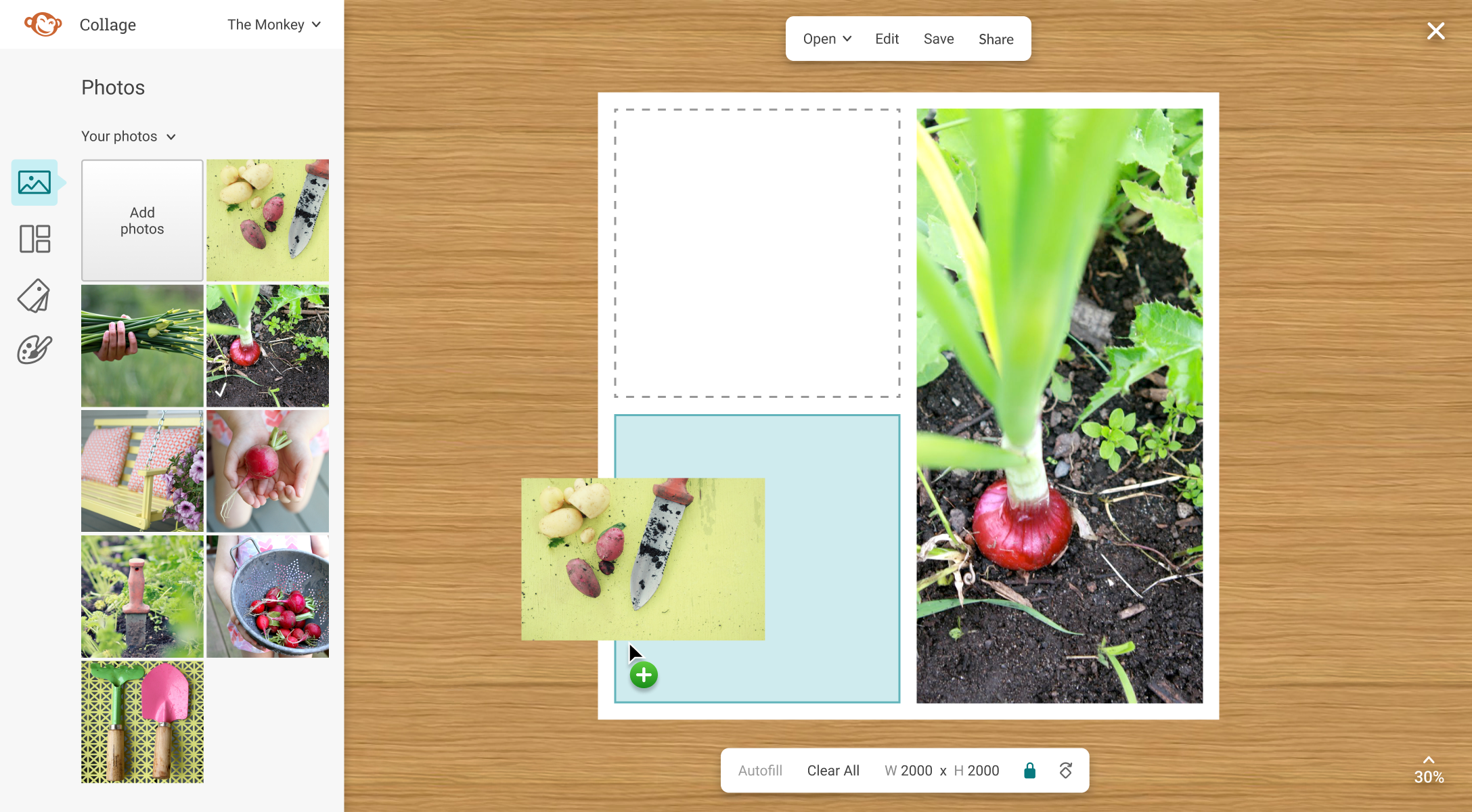
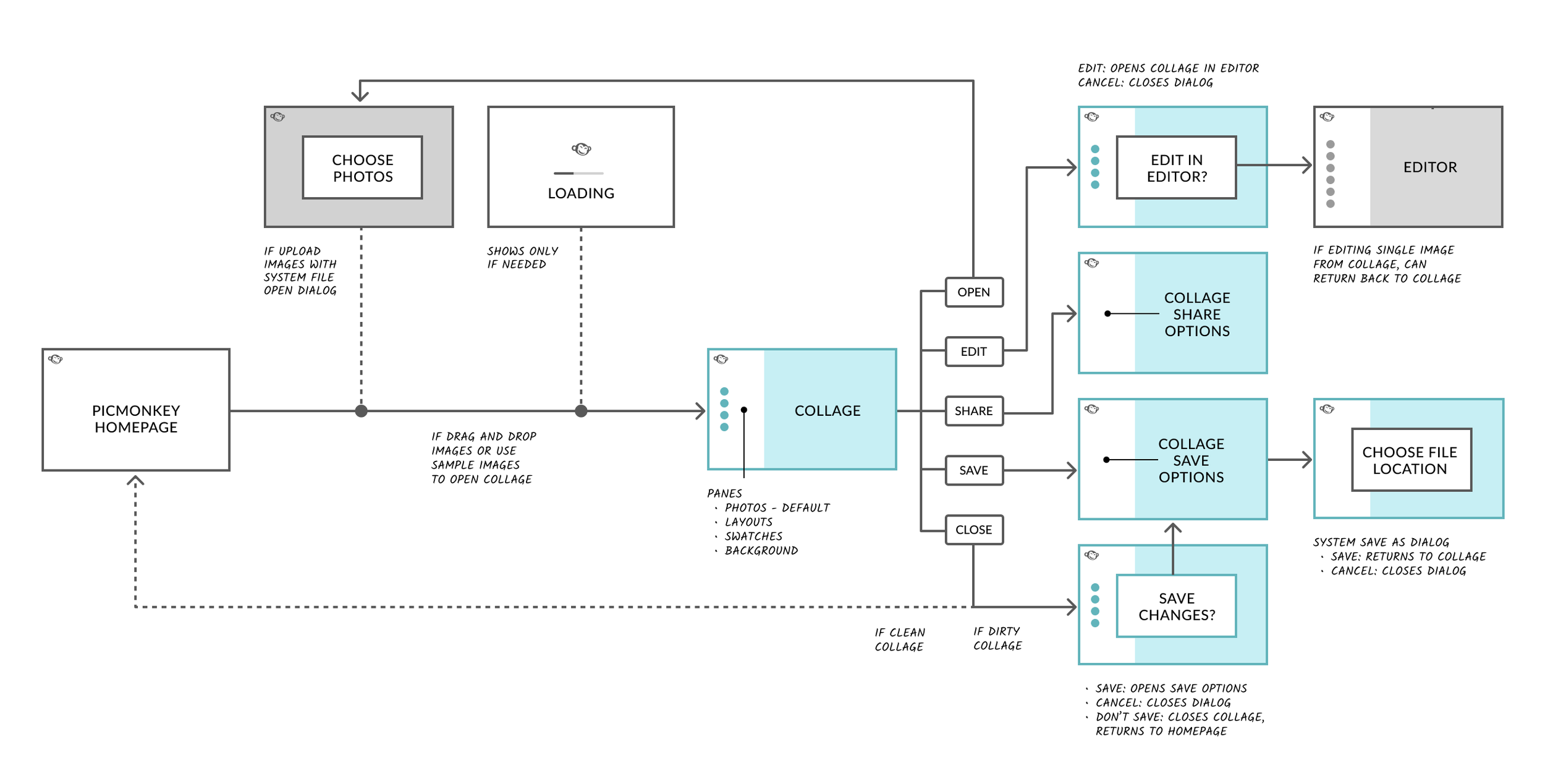
Collage was a new app within the PicMonkey website. I designed its workflow and UX model around the pane-based navigation and shared Save and Share experience I had established for PicMonkey’s Editor, creating a consistent and familiar experience across both apps.
MAKING CUSTOM COLLAGES
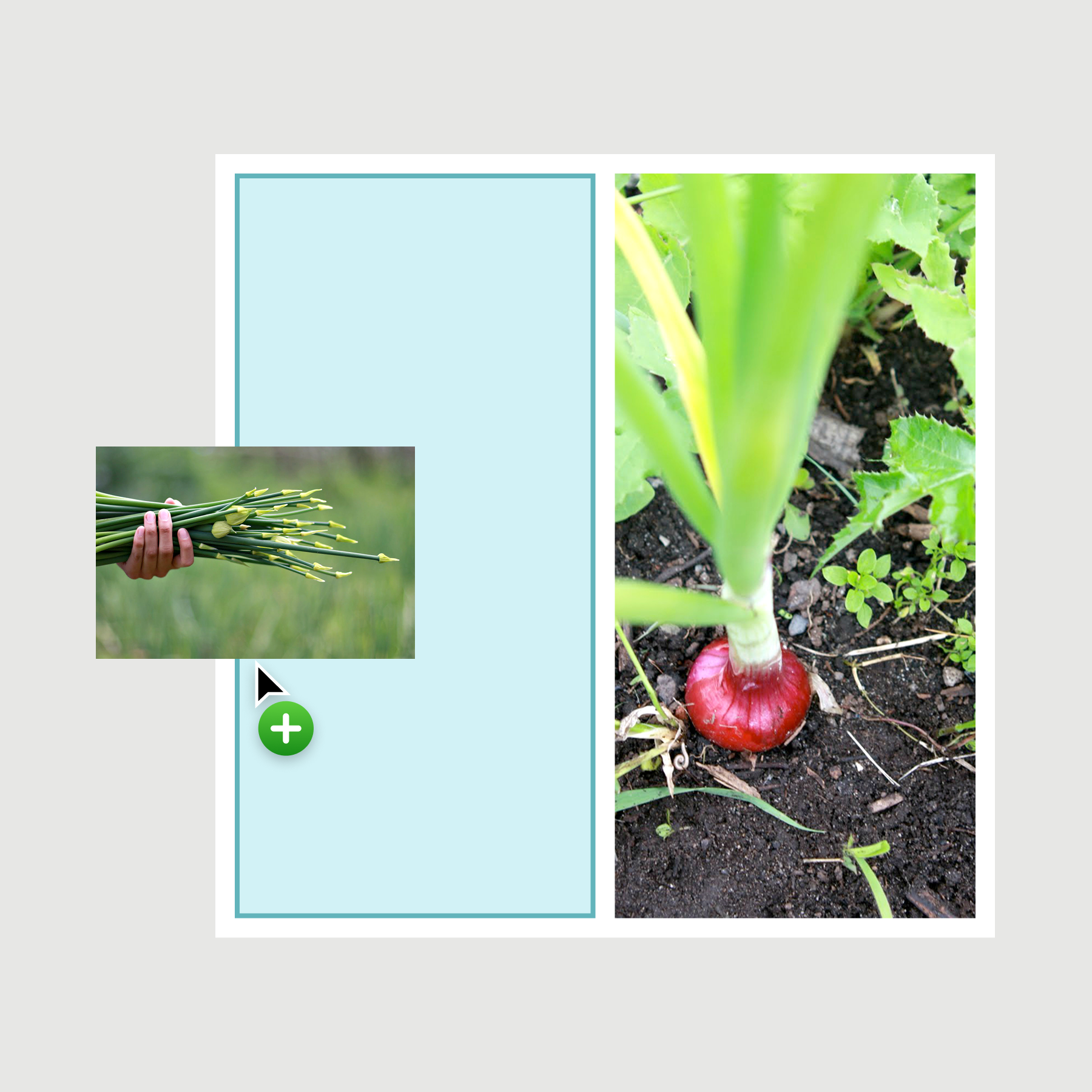
We wanted a highly flexible collage experience to feel simple and predictable, so I designed interactions around the collage borders and cells themselves, defining rules for how the grid responded as you interacted with it.
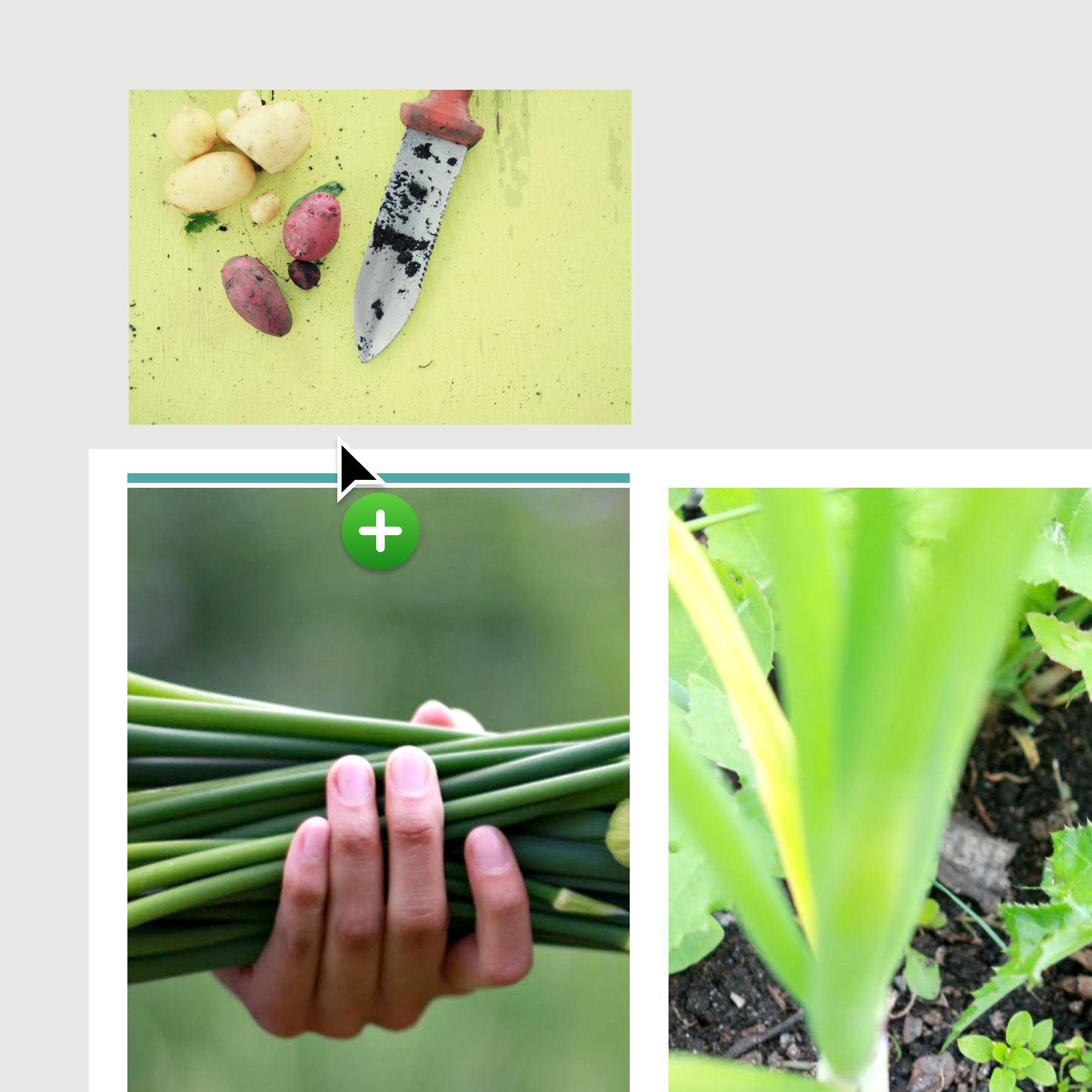


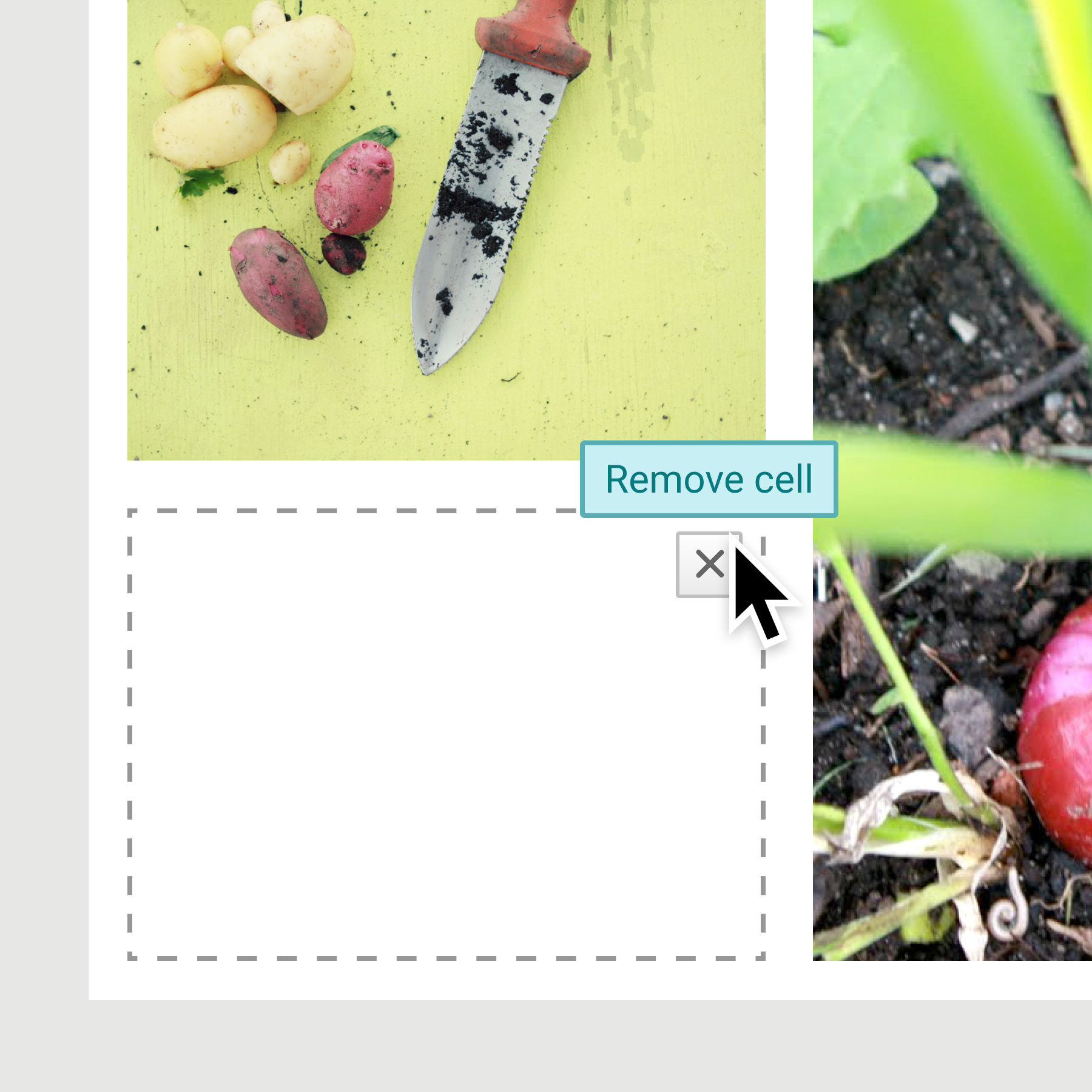

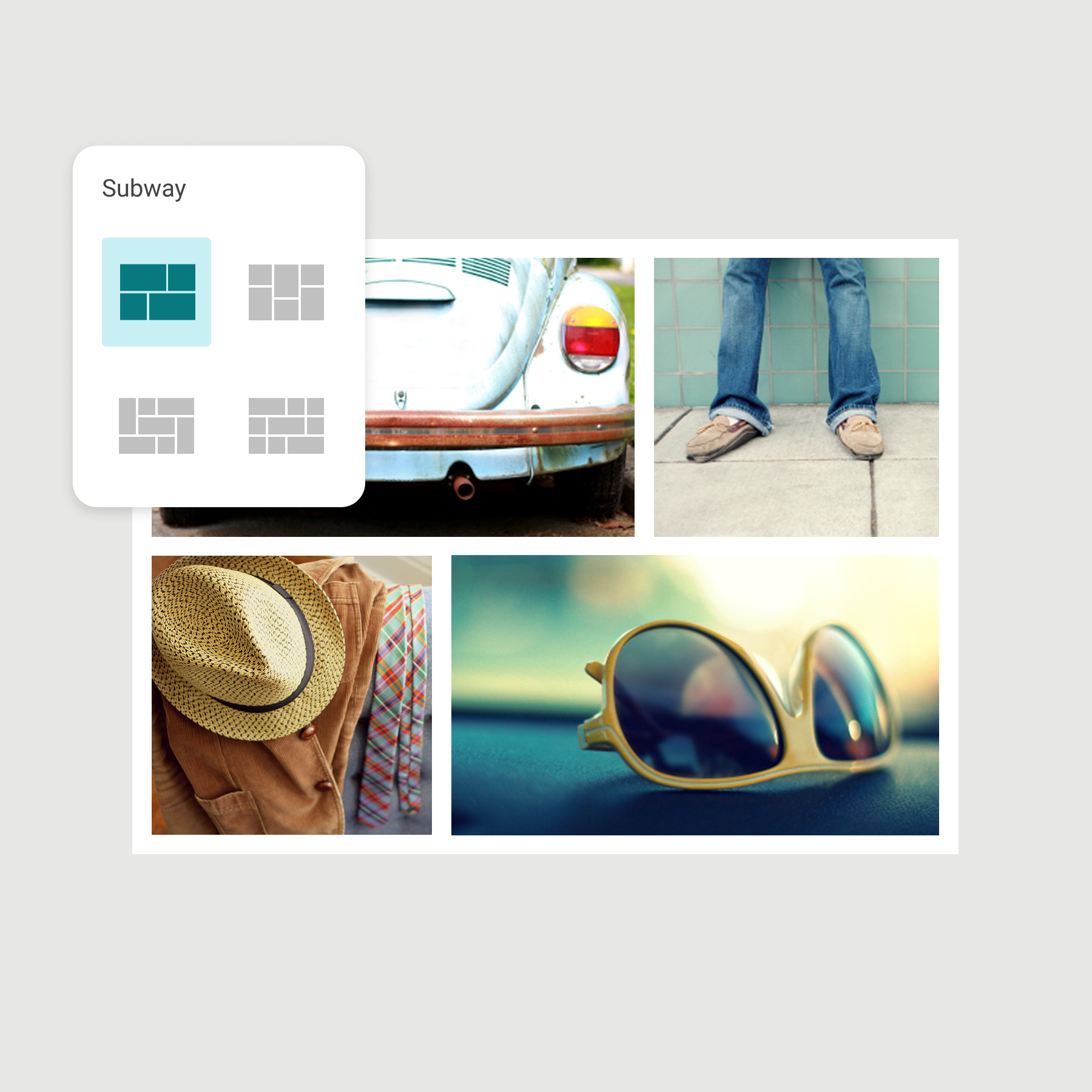
STARTER LAYOUTS
Layout templates made it easy to begin and then customize it to make it your own. I commissioned sample photos, like the ones shown, so people could easily try making a collage.
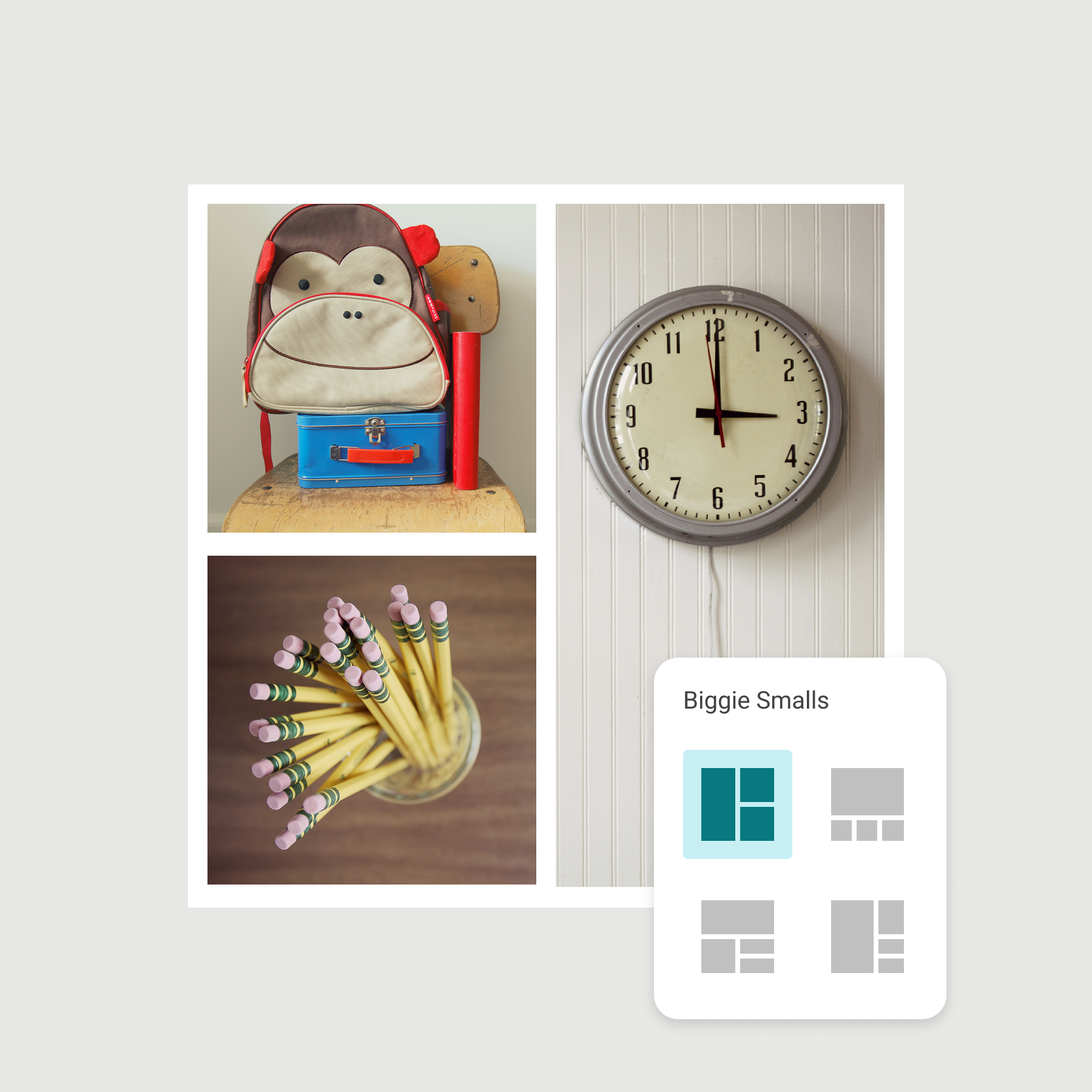
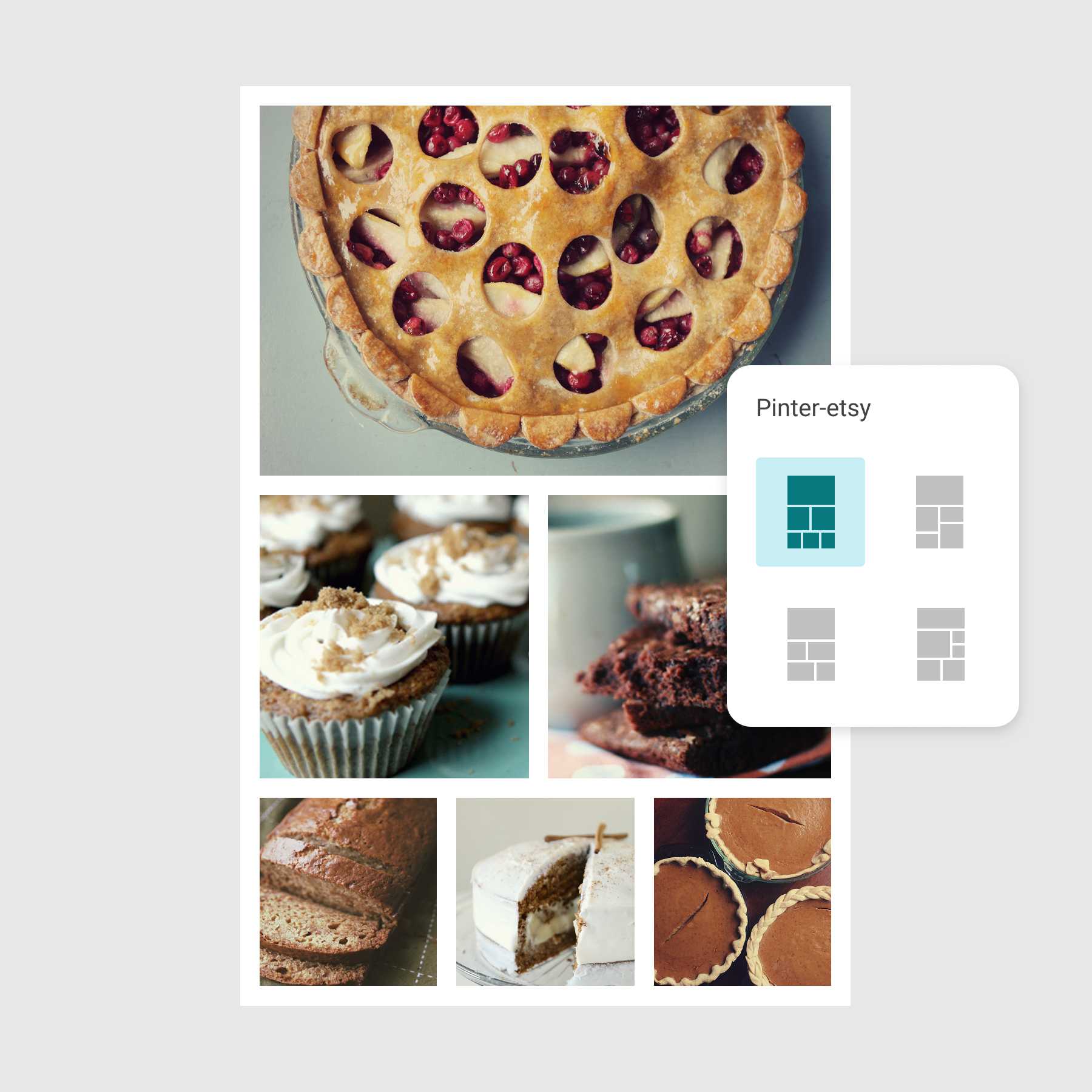
FINISHING TOUCHES
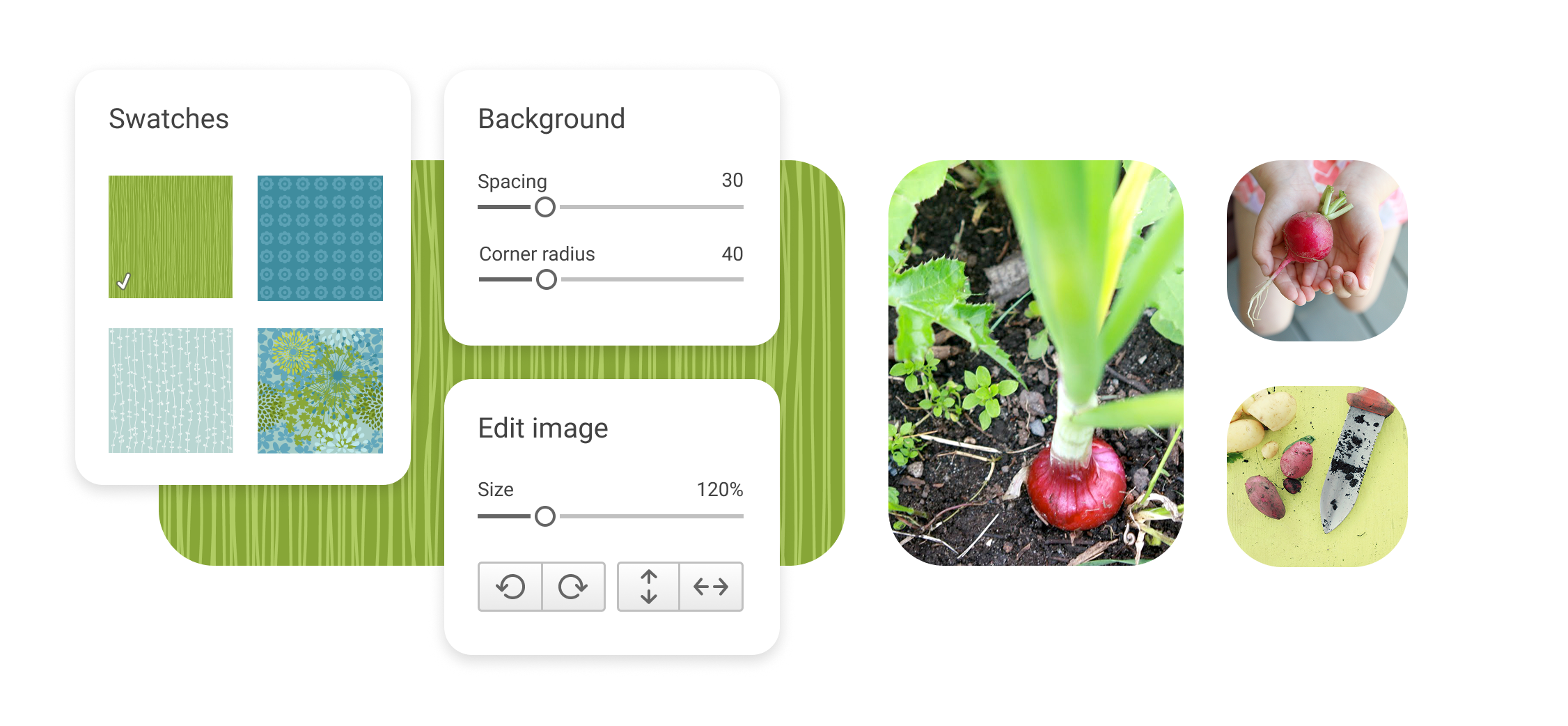
Beyond the layout itself, people could add curated graphic patterns for text backdrops, customize the borders, and fine-tune their images.
PERSONALITY IN THE DETAILS
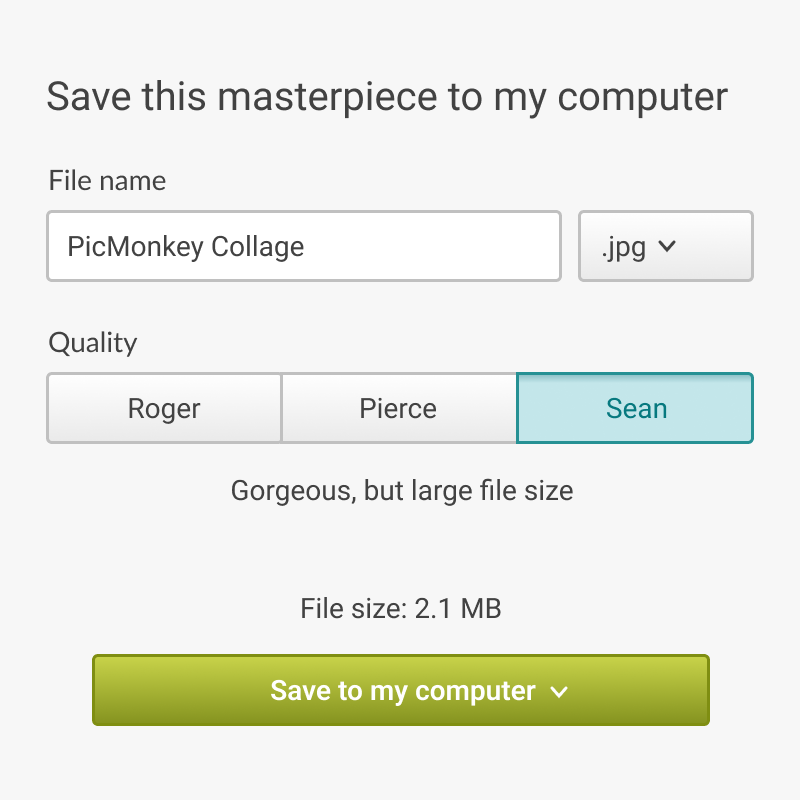
Collaborating with our writer to weave PicMonkey’s distinctive voice and personality into the app, we looked for opportunities to make everyday interactions more delightful without getting in the way. It’s not every application where image quality settings are named after James Bond actors.