Microsoft 365 design toolkits
VISUAL DESIGN · CURATION · DESIGN SYSTEMS
A collection of curated design resources I developed across my work at Microsoft to help designers and AI create high-quality PowerPoint and Word templates more efficiently and consistently.
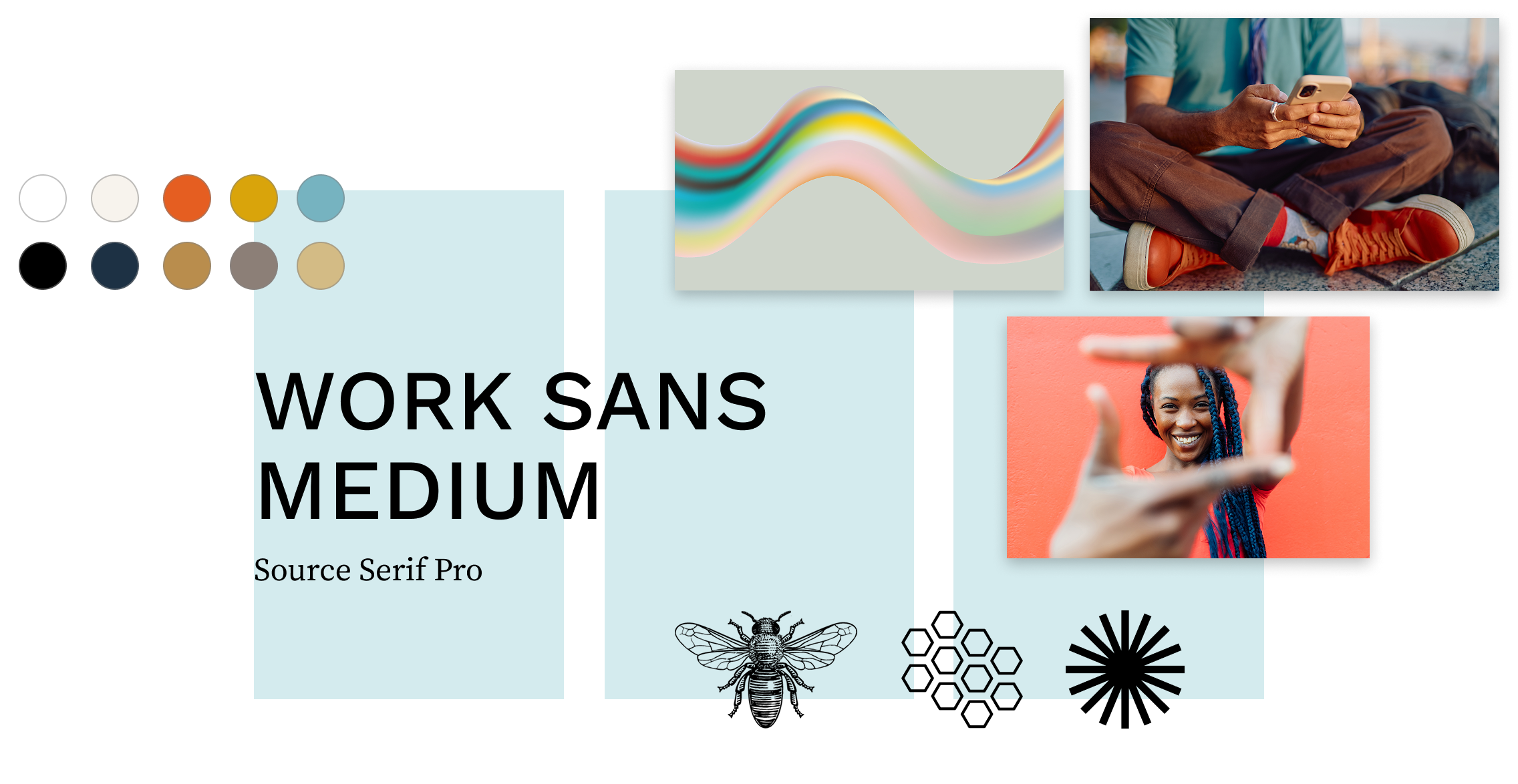
COLOR & FONT TOOLKITS
Created large libraries of Office-compatible color palettes and font pairings, organized by style and designed to be mixed and matched to provide variety and flexibility.
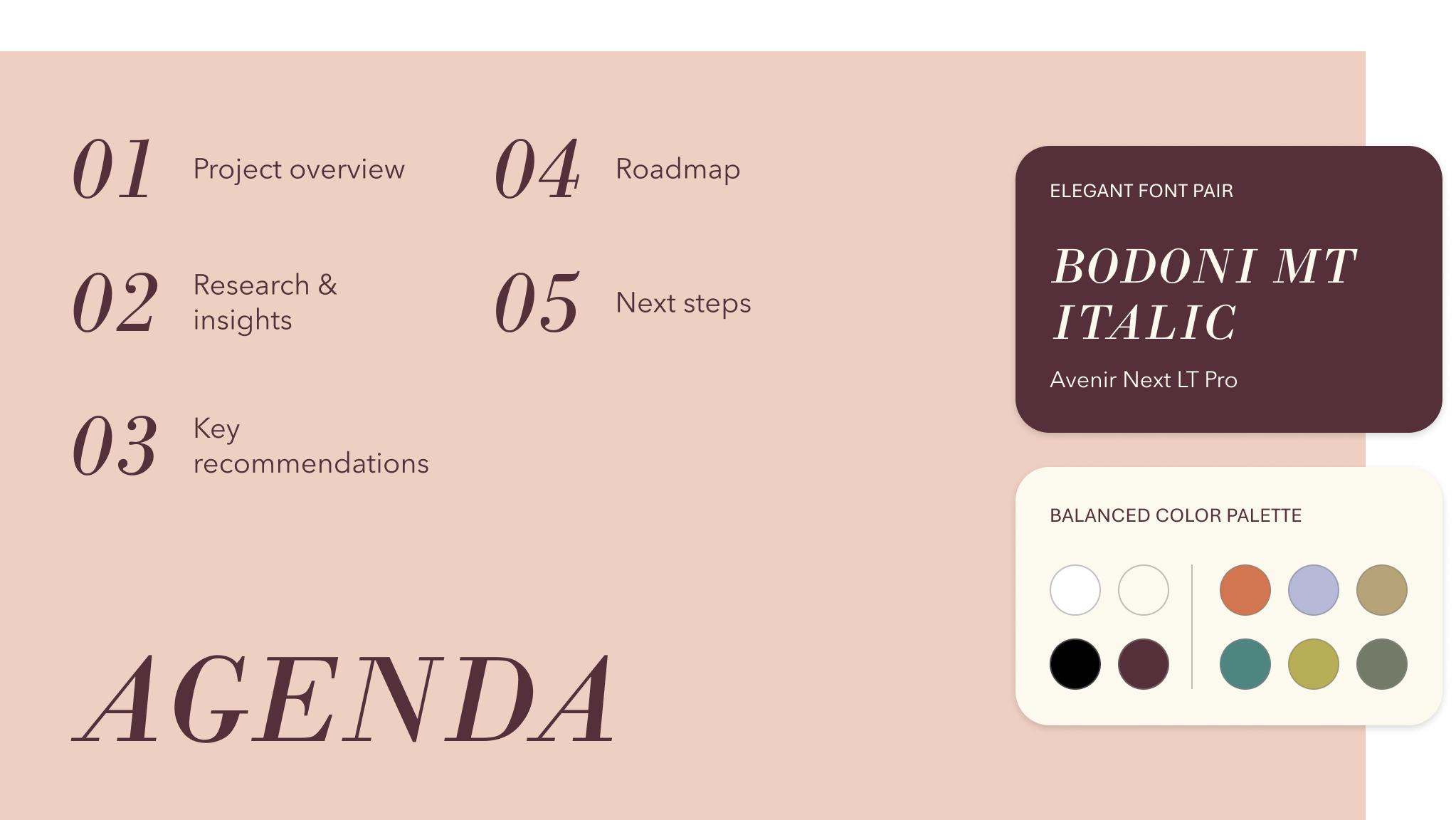
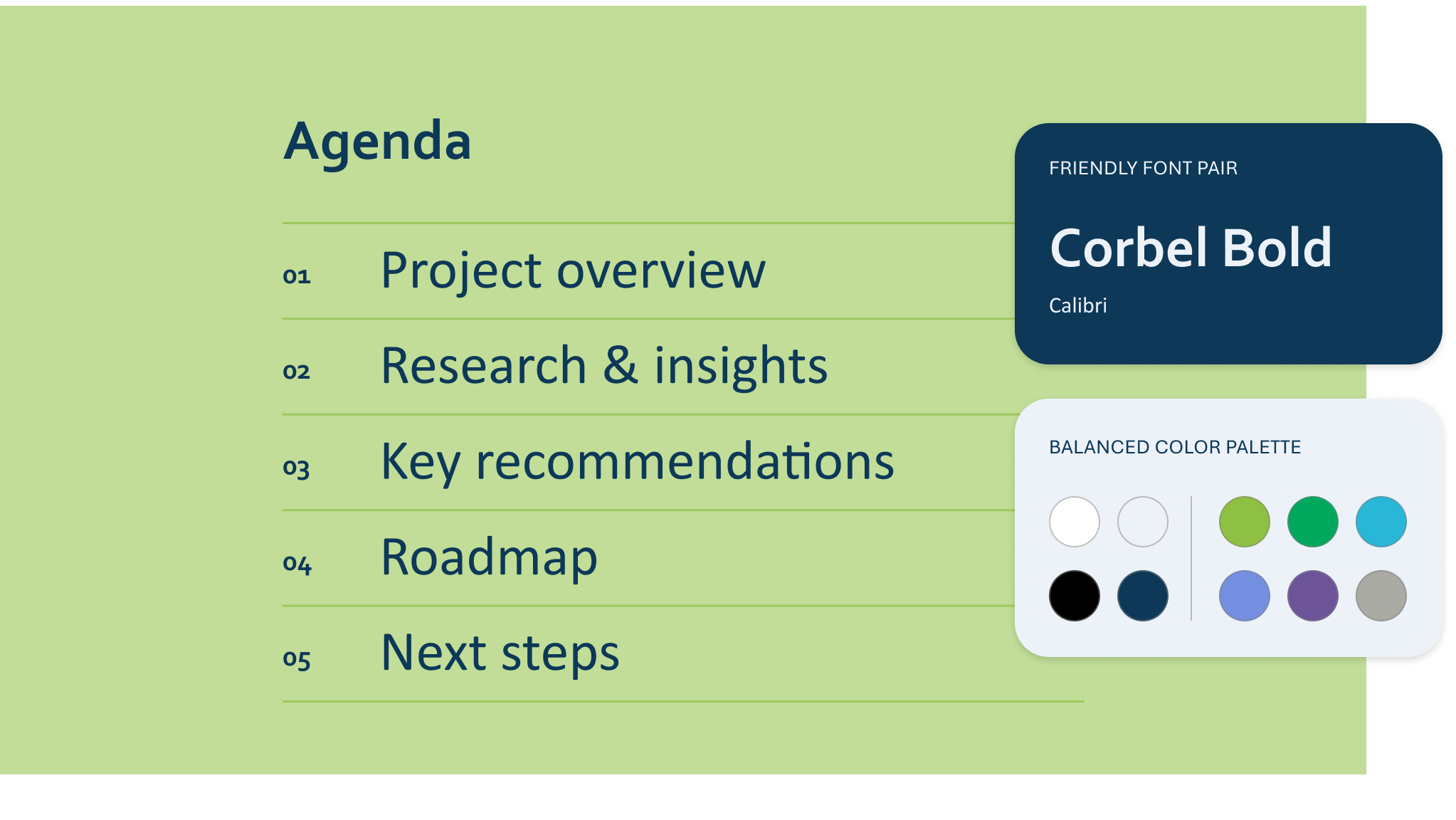
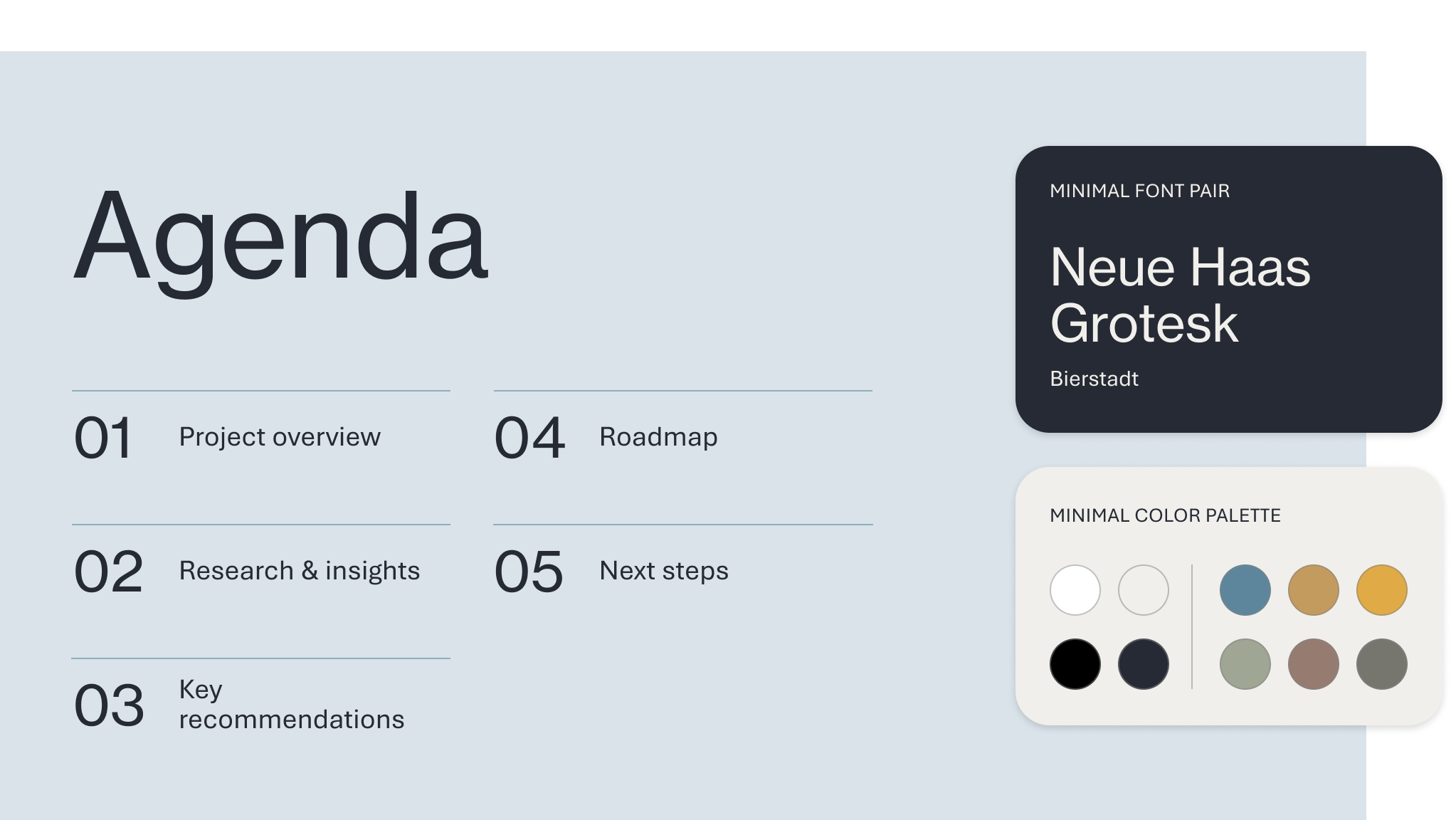
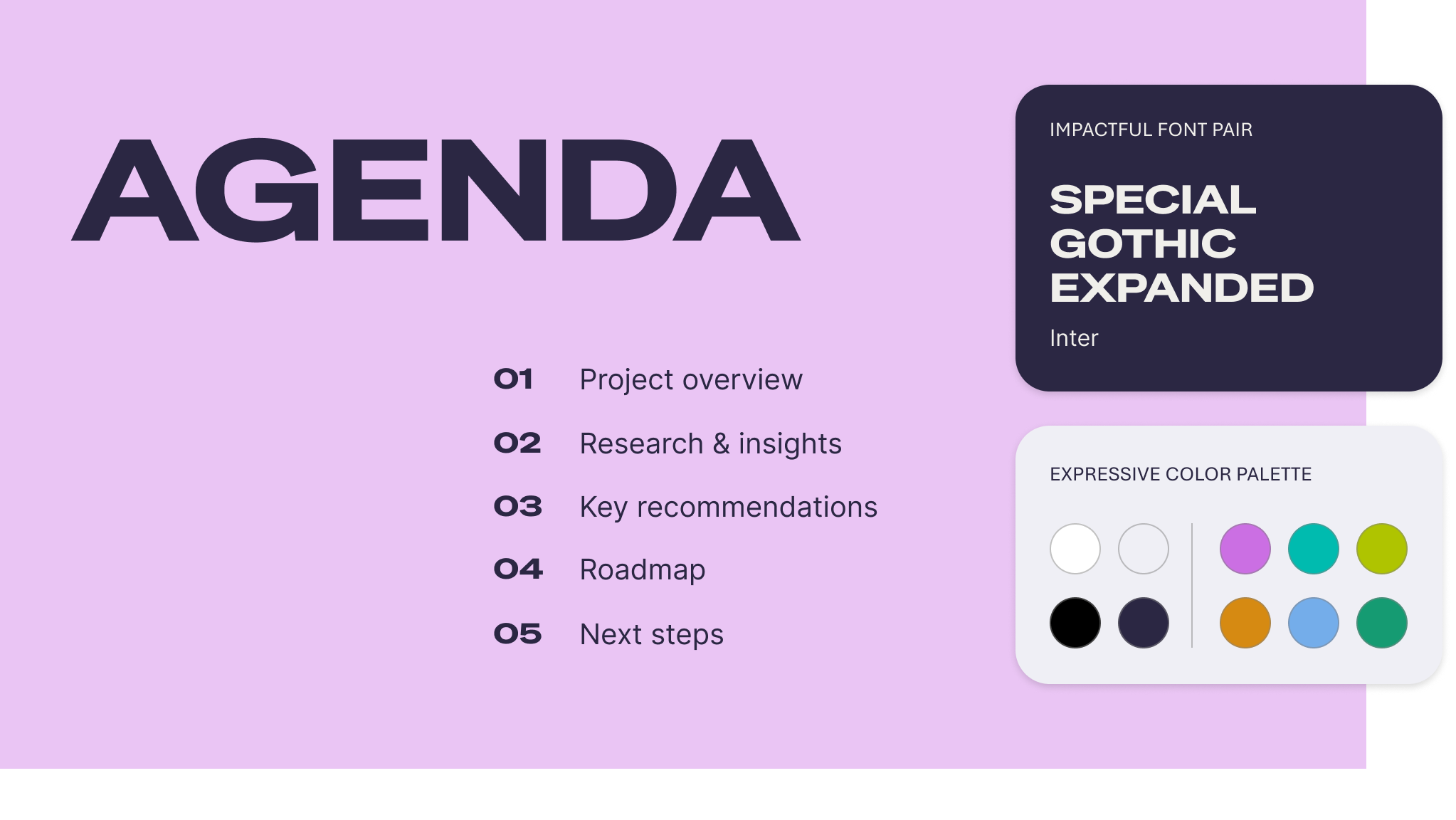
COLOR & FONT DETAILS
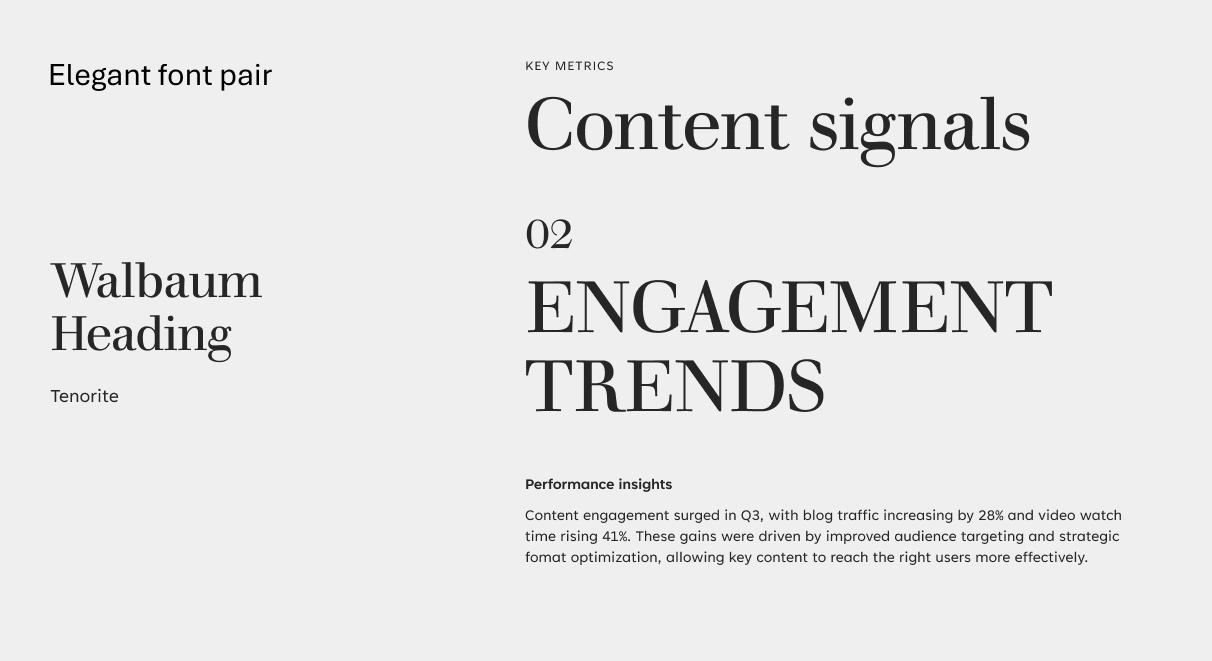
Font pairings were tested across type ramps and content to create minimal, friendly, elegant, and impactful pairings that are complementary and readable.
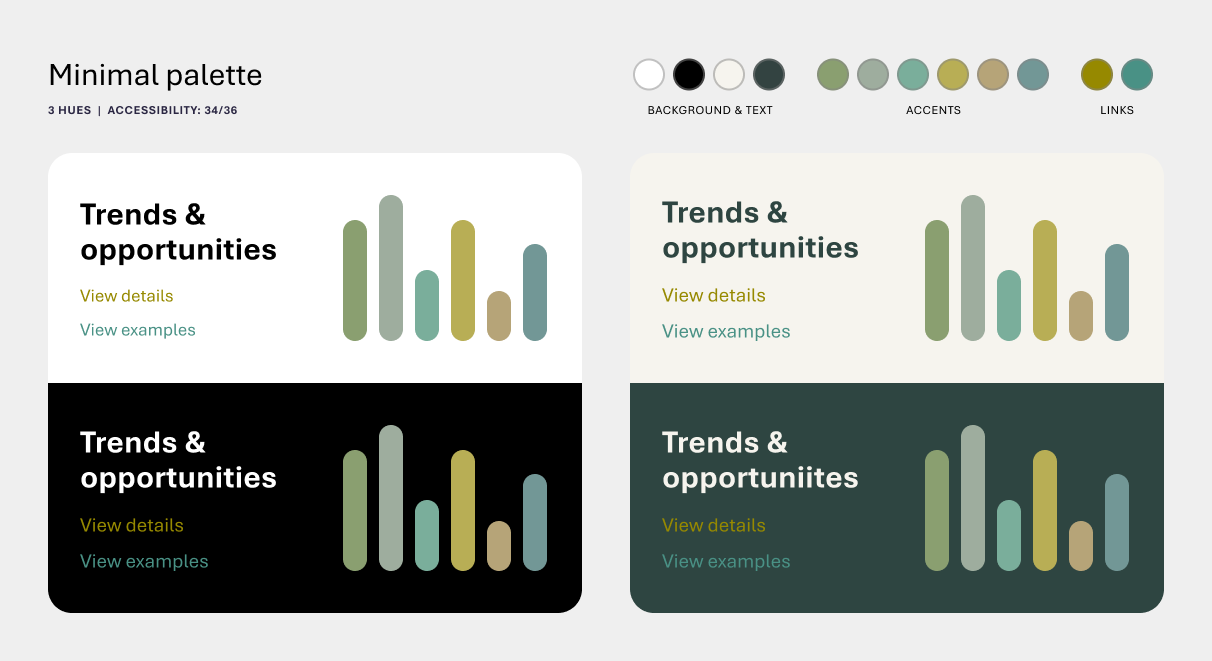
The color palettes were designed to provide a breadth of minimal, balanced, and expressive color options while meeting accessibility requirements and working with the Office color picker, which automatically assigns colors based on usage.
PHOTO & GRAPHIC LIBRARY
Curated nearly 20,000 photo and graphic assets as part of a large production pipeline, balancing design styles, customer and business needs, and globalization requirements. I also explored coordinated image and graphic sets that can be used in different combinations along with color palettes and font pairings to create different visual styles.
DATA VISUALIZATIONS & SMARTART COMPONENTS
Designed reusable components for PowerPoint, including text, data visualizations, team profiles, and more. Some were developed as SmartArt, while others were created as flexible elements for designers to incorporate into templates.